// Singularity documentation
Language servers (LSP)
A language server gives the editor an understanding of your code: it analyses project files and answers Singularity’s completion, diagnostic, and navigation requests.
What a language server does
LSP separates the editor from the tool that understands a language. Singularity opens your file in CodeMirror, then the matching server analyses its text and project. You do not configure the protocol itself: simply enable the server for the language you use.
A server does not run your program and does not replace the compiler or tests. Its responses are editing aids; always validate the result with the project’s own tools.
Supported languages
The LSP panel in Singularity 2.0.0 offers exactly 31 servers:
- TypeScript and JavaScript; JSON; HTML; CSS, SCSS, and Less
- Rust; Go; Python (Pyright); Python (Ruff); C and C++; Java
- Lua; TOML; YAML; Bash; Elixir; Ansible; Dart; Dockerfile
- GraphQL; Haskell; PHP; Kotlin; Markdown; C#; PowerShell
- Ruby; Swift; Svelte; Terraform; Vue; Zig
TypeScript/JavaScript, JSON, HTML, and CSS are enabled by default. The other servers start disabled. Python and YAML each have two possible servers; registration order decides which one handles a file when extensions overlap.
Install a server
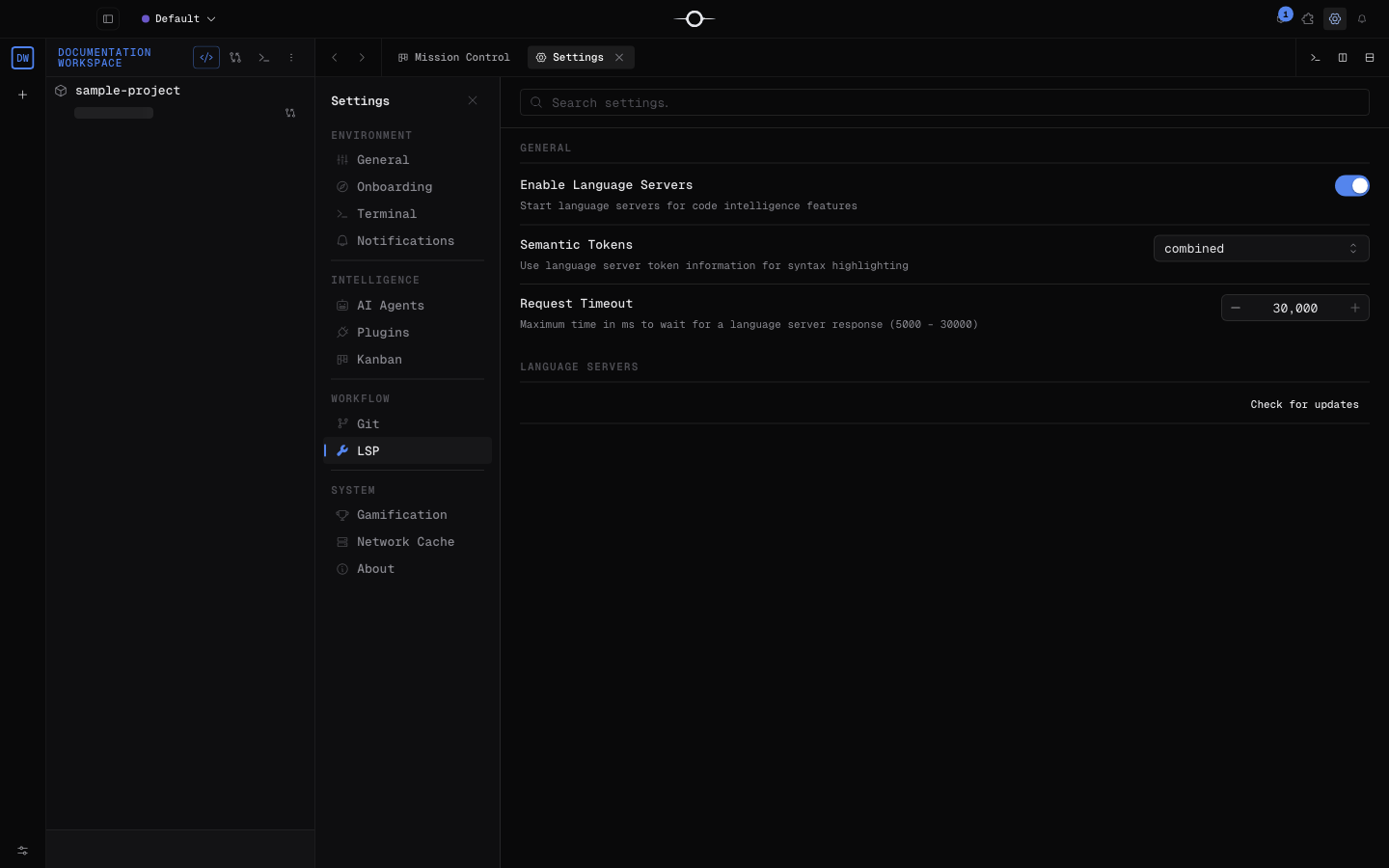
- Open Settings, then select LSP.
- Make sure the global LSP integration is enabled.
- Enable the switch for the language you need, then open a matching file.
Each server row shows how it starts. For an npx entry, npm downloads the pinned default version into its npm-managed cache when needed. For an entry marked on PATH, Singularity downloads no binary: install the server with its ecosystem’s recommended tool and make its command available on the application’s PATH.
Update servers
The panel checks versions when it opens. When everything is current, Check for updates forces a fresh check. If several versions are available, expand Details to review them or choose Update all to install them one after another.
A pinned version is the reference version declared by Singularity: the npx fallback uses it instead of blindly fetching latest. The checker may still offer a newer release. Updating an npx server performs a global npm install; servers supplied through PATH remain managed by their usual package manager.
What it adds to the editor
The features actually connected are completion while typing or with Ctrl+Space, hover information, signature help, diagnostics, quick fixes, inlay hints, and the document-symbol outline.
The context menu provides go to definition, type definition, or implementation, find references, rename, and format. Workspace symbol search is available with Cmd+T on macOS or Ctrl+T elsewhere. Automatic imports, selection formatting, semantic-token highlighting, and inline definition previews are not currently available.
Diagnose a server that will not start
Open Help → Open Logs Folder or Help → Show Log File, then search for entries with the lsp scope. They report spawn failures, runtime errors, and server error output.
on PATHserver: the command is not installed or is absent from thePATHvisible to Singularity.npxserver: Node.js, npm, or npm registry access is unavailable.- The server is disabled, the global LSP integration is off, or the file extension does not match.
- Two servers claim the same extension, especially for Python or YAML.
- The project lacks configuration or an SDK expected by the server.
After fixing the cause, close and reopen the file. For broader startup, logging, or environment problems, see Troubleshooting.