Image Tools is the Singularity plugin that lets an agent convert an image without leaving its run. A HEIC photo to publish, a PNG to turn into WebP for a site: the agent calls the image_convert MCP tool and receives the output file, its dimensions and its size.
Screenshots of the local qualification bench: real MCP contribution and converter, on a demonstration image.
Which image formats are supported?
| Direction | Formats |
|---|---|
| Input | PNG, JPG/JPEG, WebP, HEIC/HEIF, AVIF |
| Output | PNG, JPG, WebP, AVIF |
HEIC can therefore be read, but not produced.
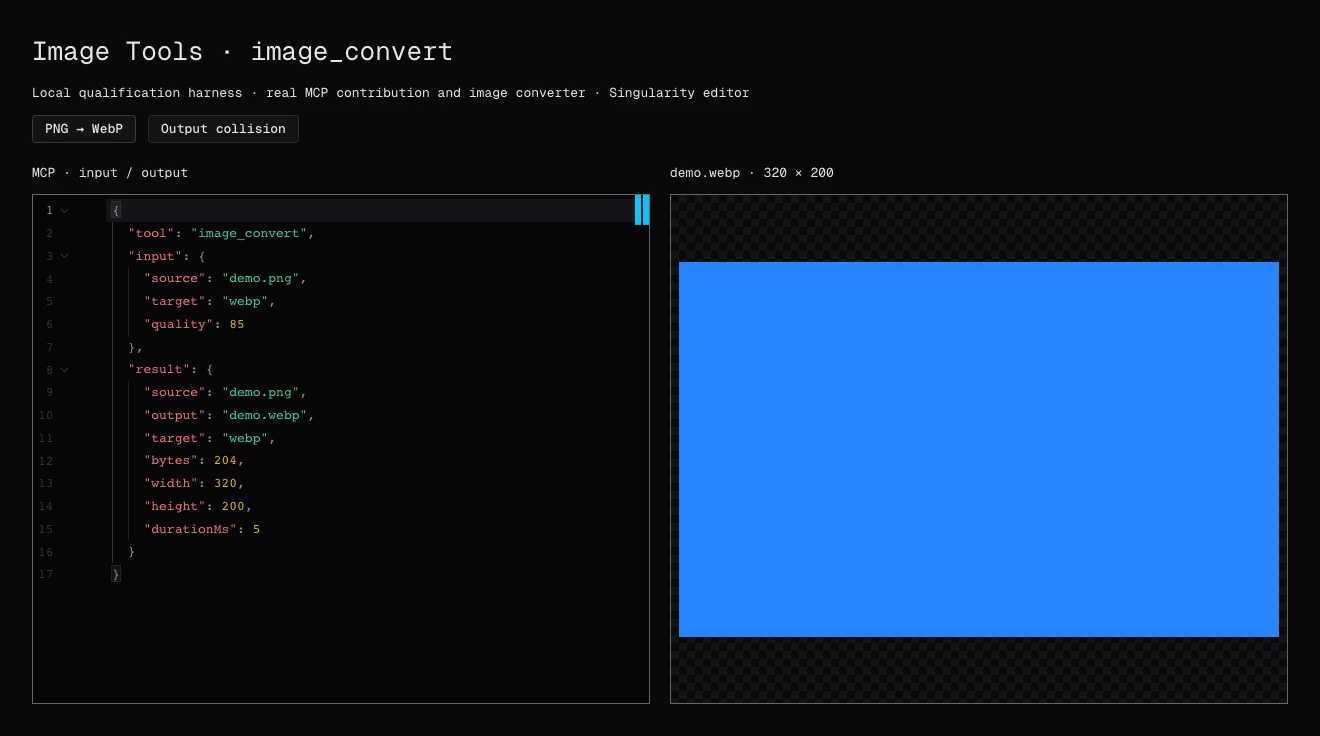
How does image_convert work?
{
  "source": "demo.png",
  "target": "webp",
  "quality": 85
}
Without a specified output, the tool replaces the source file’s last extension. Destination folders are created as needed. The response gives the output path, format, size, dimensions and duration.
How do you use it day to day?
Install and enable Image Tools from the Marketplace, then make the request in the ticket: “convert the screenshots in this folder to WebP”, “turn this HEIC photo into JPG”. You get ordinary files to review like the rest of the agent’s work.
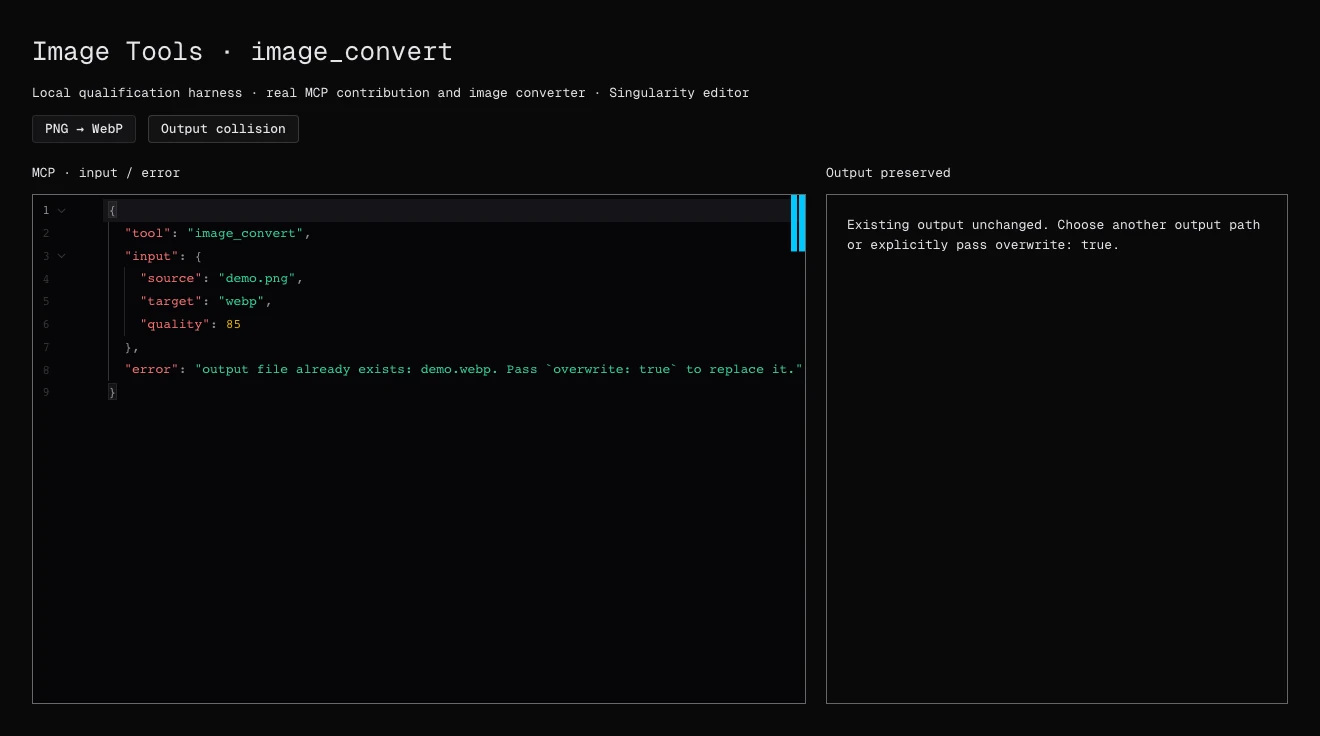
What are the limits?
The plugin converts formats: it does not edit or generate images. Access is limited to the workspace; out-of-scope paths and symbolic links are refused. Input is limited to 25 MiB, output to 50 MiB and images to 40 million pixels. These refusals surface as-is in the tool result.
Frequently asked questions
Is Image Tools free?
Yes. The plugin is free and needs no external account or secret.
Can an image be converted to HEIC?
No. HEIC and HEIF are input-only. Possible outputs are PNG, JPG, WebP and AVIF.
Can an existing file be overwritten?
Only with overwrite set to true. Otherwise, the tool returns an error and preserves the file.